

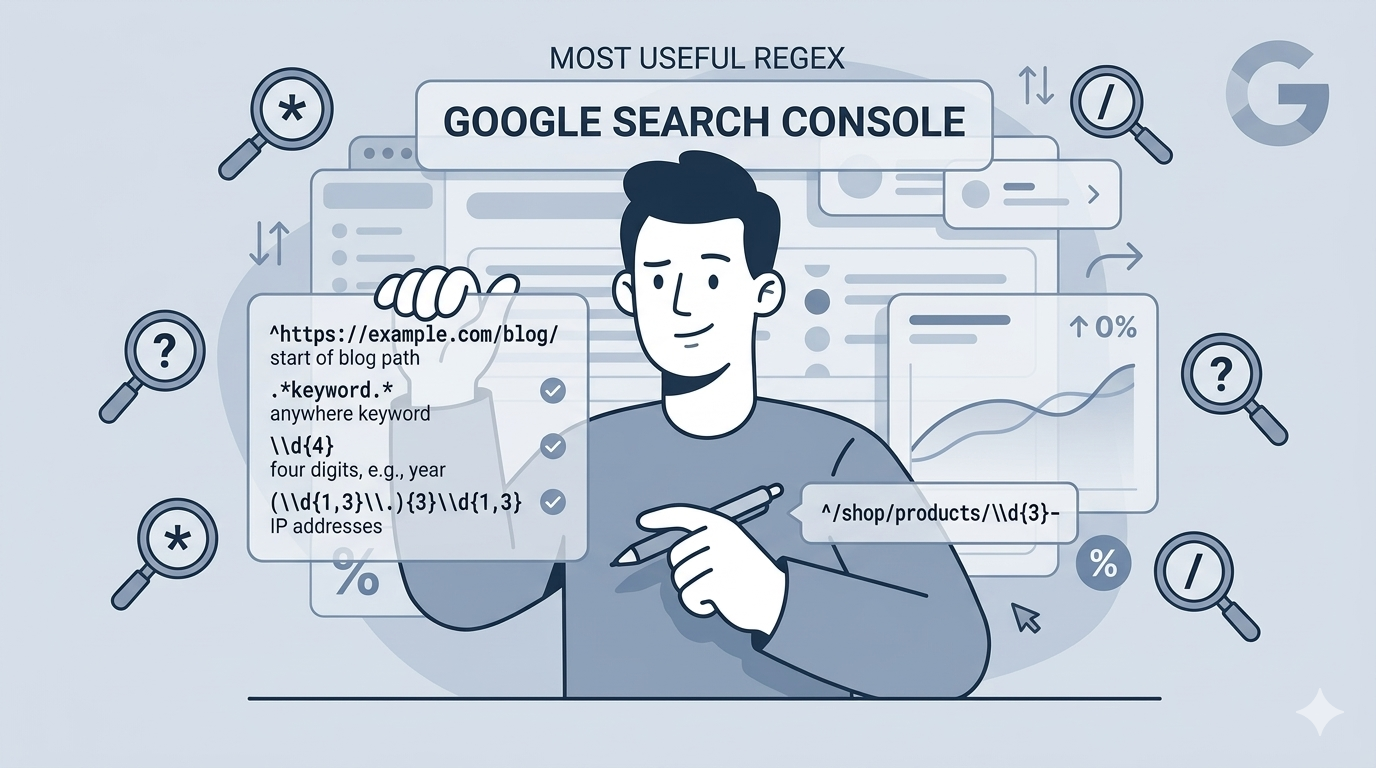
If you’ve ever tried to filter search queries in Google Search Console and felt limited by basic “contains” or “equals” options, you’re not alone. Most SEO professionals hit this wall when they need to analyze complex patterns across thousands of queries or URLs.
Regex filters change the game. They let you match complex patterns, group related terms, and segment your data in ways that standard filters simply cannot handle. For businesses navigating the shift from traditional SEO to AI search optimization, this capability isn’t just convenient. It’s essential.
In this guide, you’ll learn how to use regex in Google Search Console, from basic syntax to advanced patterns that uncover hidden opportunities in your search data.
Use the following in Google Search Console to apply regex for filters:
QUERY LENGTHS:
Single-word queries only
^\w+$
Exactly 2-word queries
^\w+\s\w+$
Exactly 3-word queries
^\w+\s\w+\s\w+$
5+ word queries
^\w+(\s\w+){4,}$
7+ word queries
^\w+(\s\w+){6,}$
Queries over 60 characters
^.{60,}$
Short queries under 20 characters
^.{1,20}$
QUESTION/INTENT
All question-style queries
^(how|what|why|when|where|who|which|can|does|is|are|will|should|do)\s
How to / how do / how much” etc
^how\s(to|do|does|can|much|many|long)\s
Definitional “what” queries
^what\s(is|are|does|do|was|were)\s
Yes/no style questions
^(is|are|can|does|do|will|should|has|have)\s
Why is / why does / why won’t
^why\s(is|are|does|do|won.t|can.t)\s
Educational/informational intent
.*(guide|tutorial|tips|learn|explained|examples|ideas).*
Definitional queries
.*(what is|what are|definition of|meaning of|overview of).*
“How to” specifically (anchored)
^how\sto\s
Beginner/intro intent
.*(for beginners|step by step|getting started).*
Commercial investigation
.*(best|top|vs|versus|compare|comparison|alternative|alternatives|review|reviews).*
Direct comparison queries
.*\svs\s.*
“Best X for Y” pattern
.*(best|top)\s.*\s(for|to)\s
Evaluation intent
.*(worth it|should i|is it good|recommended).*
TRANSACTIONAL
Transactional signals
.*(buy|purchase|order|shop|price|pricing|cost|costs|hire|get).*
Price-sensitive queries
.*(cheap|affordable|budget|discount|deal|coupon|offer).*
Acquisition intent
.*(free|download|trial|sign up|register|get started).*
Local transactional intent
.*(near me|nearby|close to).*
High-intent service queries
.*(quote|demo|consultation|book|booking).*
NAVIGATIONAL
Navigational/login queries
.*(login|log in|sign in|account|dashboard|portal).*
Brand + product-type queries
.*(website|site|app|software|tool|platform)$
SINGULAR/PLURAL
Plural Forms
.*(tip|tool|idea|strategy|example|way|option|method|step)(\s|$)
Singular forms
.*(tips|tools|ideas|strategies|examples|ways|options|methods|steps)(\s|$)
LOCATIONS
.*\sin\s[a-z]+$
YEAR SPECIFIC
Year-specific queries
.*(2024|2025|2026).*
Freshness-seeking queries
.*(latest|new|updated|recent|this year|now).*
“Is X still working / relevant” queries
.*(still|anymore|yet).*
PROBLEM/TROUBLESHOOTING
Troubleshooting queries
.*(not working|broken|fix|issue|problem|error|slow|wrong|failed).*
Solution-seeking queries
.*(how to fix|how to stop|how to avoid|how to prevent).*
Frustration/failure queries^why\s.*(not|won.t|doesn.t|can.t).*
TOFU/BOFU/MOFU
TOFU — question-led awareness queries
^(what|how|why|who|when)\s
MOFU — consideration queries
.*(best|vs|review|compare|alternative).*
BOFU — decision queries
.*(buy|price|pricing|cost|hire|quote|demo|trial).*
What is regex and why use it in Google Search Console?
Regular expressions, or regex, are sequences of characters that define search patterns. Think of them as advanced search operators that can match multiple variations of text in a single query.
Google Search Console uses RE2 regex syntax, which is fast and efficient but has some limitations. It doesn’t support advanced features like lookahead or lookbehind assertions. For most SEO tasks, though, RE2 provides everything you need.
The key advantage over basic filters is precision and efficiency. Instead of creating multiple “contains” filters or exporting data to spreadsheets, you can write one regex pattern that captures exactly what you’re looking for. This saves time and lets you analyze patterns directly in the interface.
At Decoding, we use regex filters daily to segment search data for our clients. The ability to quickly isolate branded queries, identify question-based searches, or analyze specific URL patterns is fundamental to modern technical SEO work.
How to access and apply regex filters in GSC
Getting started with regex filters is straightforward. Here’s the process:
Step 1: Navigate to Performance > Search results in your Google Search Console property.
Step 2: Click the + New button at the top of the report and select either Query or Page from the dropdown menu.
Step 3: In the filter options, choose Custom (regex) from the dropdown. This reveals a secondary dropdown for match type.
Step 4: Select either Matches regex to include data matching your pattern, or Doesn’t match regex to exclude data.
Step 5: Enter your regex pattern in the text field and click Apply.
One useful feature: filters persist across reports until you remove them. Unlike Google Analytics, where filters reset when you navigate away, GSC keeps your regex filters active as you move between different report views.
Essential regex metacharacters for SEO
Understanding a handful of metacharacters unlocks most of what you need for GSC analysis:
| Metacharacter | What it does | Example |
|---|---|---|
| | OR operator | apple|banana matches either term |
.* | Wildcard (any characters) | /blog/.* matches any URL starting with /blog/ |
^ | Start of string | ^what matches queries starting with “what” |
$ | End of string | buy$ matches queries ending with “buy” |
() | Grouping | (buy|purchase) groups alternatives |
\b | Word boundary | \bcan\b matches “can” but not “scan” |
Important note on case sensitivity: All query data in Google Search Console appears in lowercase. This means your regex patterns are effectively case-insensitive for query filters. URL patterns, however, maintain their original casing.
Practical regex patterns for common SEO tasks
Here are ready-to-use patterns for the most common SEO analysis scenarios:
Filter branded vs. non-branded queries
Pattern: yourbrand\|your brand\|yourbrand.com
Use the pipe operator to match multiple brand name variations, including common misspellings. Apply this with “Doesn’t match regex” to see only non-branded organic performance, or “Matches regex” to analyze branded search behavior.
Find question queries for content opportunities
Pattern: \b(who|what|when|where|why|how|is|are|can|does|should|could|would)\b
This pattern uses word boundaries to match question words precisely. These queries represent users seeking information, making them prime candidates for FAQ content, blog posts, or knowledge base articles. At Decoding, we use this pattern regularly to identify content gaps for our clients.
Segment by URL structure
Patterns:
/blog/.*All blog posts/products/.*/Product pages.*/category/.*Category pages
The .* wildcard matches any characters, letting you target entire sections of your site without listing individual URLs.
Identify transactional intent
Pattern: \b(buy|purchase|order|price|cost|cheap|deal|discount|sale)\b
This helps separate commercial queries from informational ones. Compare the performance of transactional vs. non-transactional queries to understand how well your content serves different stages of the user journey.
Find long-tail queries
Pattern: ([^ ]+\s){4,}
This matches queries with five or more words. Long-tail queries often indicate specific user intent and can reveal content opportunities that broader keyword research might miss.
Advanced regex techniques
Once you’re comfortable with basics, these techniques unlock more sophisticated analysis:
Combining conditions with groups: Use parentheses to organize complex patterns. For example, (buy|purchase).*(shoes|sneakers) matches queries containing a transactional word followed by a product word, with any characters in between.
Negative matching: The “Doesn’t match regex” option is powerful for excluding patterns. Filter out internal search parameters, staging URLs, or irrelevant query patterns to clean your data.
International SEO patterns: If you manage a multilingual site, use regex to analyze specific country directories. Patterns like /us/.* or /uk/.* let you segment performance by market.
Competitor mention tracking: Create patterns like \b(competitor1|competitor2|competitor3)\b to find queries where users mention your competitors. This reveals comparison opportunities and competitive threats.
For businesses focused on Generative Engine Optimization, these advanced patterns help identify the specific query types that influence AI search visibility.
Connecting regex insights to AI search optimization
The shift toward AI-generated search results changes how we analyze query data. Regex filters become even more valuable when you connect them to AI search optimization (GEO) strategy.
Question queries are particularly important. When users ask “what is,” “how to,” or “why does” questions, they’re often triggering AI overviews or featured snippets. By using regex to isolate these patterns in your GSC data, you can:
- Identify which questions your content already answers
- Find gaps where competitors are winning AI citations
- Prioritize content updates that target AI-visible queries
The same applies to long-tail queries. AI systems excel at matching specific, detailed questions with comprehensive answers. Your regex analysis can reveal these opportunities before they show up in traditional keyword tools.
At Decoding, we combine GSC regex analysis with our AI visibility tracking to give clients a complete picture of how they appear in both traditional and AI search. The data you extract with regex filters feeds directly into strategies for ranking in Google AI overviews.
Common mistakes and how to avoid them
Even experienced SEO professionals make these regex errors:
Forgetting RE2 limitations: GSC doesn’t support lookahead/lookbehind assertions or backreferences. If your pattern works in Python or JavaScript but fails in GSC, RE2 compatibility is likely the issue.
Overly broad patterns: .* matches everything, which can produce unexpected results. Be specific about what you want to capture.
Missing word boundaries: Without \b, a pattern like can will match “scan,” “candle,” and “cancer.” Use word boundaries for precise matching.
Ignoring the lowercase rule: Remember that all query data in GSC is lowercase. This rarely causes issues, but it’s worth keeping in mind when crafting complex patterns.
Not testing first: A malformed regex can return no results or too many results. Always test patterns in Regex101 before applying them to your live data.
Frequently Asked Questions
Do I need programming knowledge to use regex in Google Search Console?
No. While regex is used in programming, the patterns for GSC are straightforward. Start with simple OR statements using the pipe operator, then gradually learn more metacharacters as needed.
Why does my regex pattern work in Regex101 but not in Google Search Console?
GSC uses RE2 syntax, which doesn’t support some advanced regex features like lookahead/lookbehind assertions. When testing in Regex101, select ‘Golang’ as the flavor for the closest match to RE2.
Can I use regex filters on all Google Search Console reports?
Regex filters are only available for Query and Page filters in the Performance > Search results report. Country, Device, and Search Appearance filters don’t support regex.
How do I filter multiple URL patterns at once using regex in Google Search Console?
Use the pipe operator to combine patterns. For example, /blog/.|/news/.|/articles/.* matches URLs in any of those three directories.
Is there a character limit for regex patterns in GSC?
Yes, Google Search Console has a limit to the length of regex filters. If you hit this limit, your segment may be too broad. Consider breaking it into multiple filters or simplifying your pattern.
Can I save regex filters for future use in Google Search Console?
GSC doesn’t have a built-in save feature for regex patterns. However, filters persist across reports during your session. Many SEO professionals keep a document of commonly used patterns for quick copy-paste access.
What’s the difference between ‘Matches regex’ and ‘Doesn’t match regex’ in GSC?
‘Matches regex’ includes only data that fits your pattern. ‘Doesn’t match regex’ excludes data that fits your pattern, showing everything else. The latter is useful for filtering out branded terms or internal traffic.









Leave a Reply